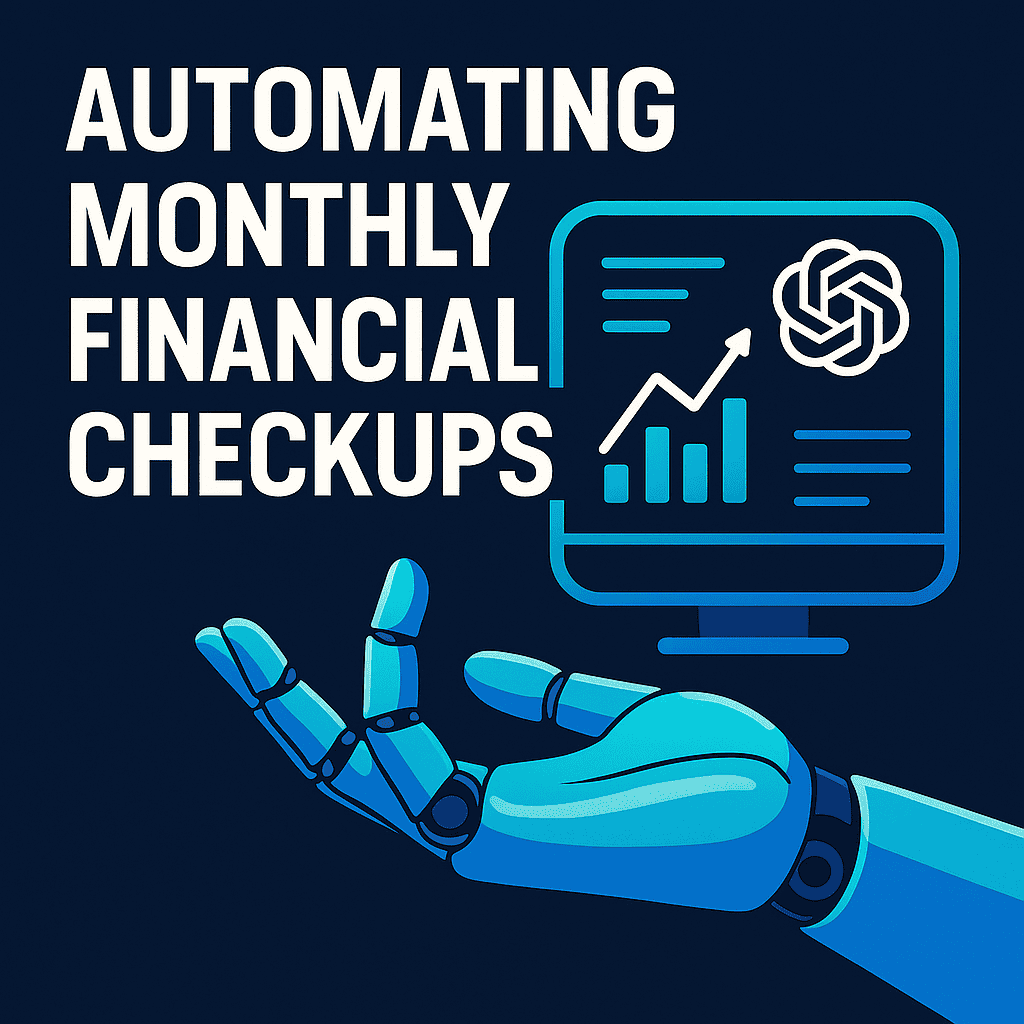
Managing your money becomes much easier when you check in on your finances regularly, but doing it manually every month can feel overwhelming. That’s where automation comes in. With ChatGPT, you can streamline your entire monthly financial review, analyze spending in seconds, track your goals, and stay accountable without needing complex spreadsheets or hours of manual work. This guide will show you exactly how to automate monthly financial checkups using ChatGPT so you can stay organized, save more, and keep your financial life running smoothly.
Why Monthly Financial Checkups Matter
A monthly financial checkup helps you stay aligned with your goals and gives you a clear picture of how you’re spending and saving. It prevents overspending from slipping through the cracks, highlights areas that need improvement, and keeps you focused on your long-term plans. Instead of waiting until the end of the year, or worse, until financial stress hits, a monthly review helps you take small, consistent actions that add up to big results.
What You Can Automate with ChatGPT
ChatGPT can automate many parts of your financial routine, making checkups faster and easier. You can upload expense data for automatic summaries, ask ChatGPT to categorize your spending, track how much you saved or paid toward debt, and request insights about overspending or trends. ChatGPT can also help you review your budgeting categories, provide reminders for bills or subscriptions, and track your progress toward financial goals like building an emergency fund or saving for a big purchase.
Setting Up Your Monthly Financial Routine
To automate your monthly financial checkup, start by choosing a consistent day, many people use the first or last day of each month. Gather your financial information from your bank, budgeting app, or spreadsheet and upload it to ChatGPT. Use prompts to analyze your spending, compare it to your budget, and identify areas to adjust. Then, review your savings and debt progress to make sure you’re moving in the right direction. Finish by setting simple goals for the month ahead, such as reducing dining-out spending or increasing your savings contribution.
Useful ChatGPT Prompts for Financial Checkups
Here are some practical prompts you can use every month:
- “Analyze this CSV and summarize my expenses by category.”
- “Where did I overspend this month?”
- “Create a short financial health report based on this data.”
- “Give me three recommendations to improve my finances next month.”
- “Remind me to review my budget on the 1st of each month.”
These prompts help ChatGPT generate actionable insights quickly, without any financial expertise required on your part.
Integrating ChatGPT with Other Financial Tools
ChatGPT works best when paired with tools you already use. You can export monthly statements from your bank, sync data from Google Sheets, or upload files from budgeting apps like YNAB or Mint. Setting recurring reminders or automated exports ensures you always have fresh data for ChatGPT to analyze. This simple integration creates a smooth system where numbers are collected automatically, and ChatGPT handles the interpretation.
Benefits of Automating Financial Checkups
Automating your financial routine saves you time and reduces the mental load of managing money. It creates consistent habits, keeps your spending transparent, and helps you make informed decisions. Instead of reacting to financial problems when they happen, you’ll proactively stay ahead of them. The process becomes faster, easier, and more reliable, turning financial checkups into a natural part of your monthly routine.
Protect your progress by building What’s An Emergency Fund And How To Build One.
Limitations and Things to Keep in Mind
While ChatGPT can analyze your data, generate summaries, and help you make better decisions, it cannot directly access your bank accounts or pull real-time information, so you must provide the inputs. You should avoid sharing sensitive personal details and review ChatGPT’s suggestions with your own judgment. Think of it as a powerful assistant, not a replacement for your decision-making.
Example Monthly Workflow Using ChatGPT
A typical monthly routine looks like this:
- Export your latest bank or credit card statements to a CSV or PDF.
- Upload the file to ChatGPT.
- Ask ChatGPT to categorize your transactions, total your spending, and highlight unusual charges or trends.
- Request a monthly financial summary, including savings rate, progress toward goals, and recommended adjustments.
- Use ChatGPT to set new goals or update your budget for the upcoming month.
Example Output from ChatGPT might include:
- “You spent 18% more on groceries this month.”
- “Your savings rate increased from 12% to 16%.”
- “Consider reducing discretionary spending by $150 next month to stay aligned with your goals.”
Summary
Automating your monthly financial checkups with ChatGPT turns a typically time-consuming task into a simple, efficient routine. With just a few uploads and prompts, you can gain a clear picture of your spending, monitor your savings and debt progress, and make smarter decisions each month. Consistency is the real key to financial success, and ChatGPT helps you stay on track with far less effort. Start your first automated checkup today and give your financial life the structure and clarity it deserves.
Ready to grow your wealth next? Read How To Start Investing.
FAQs
Do I need financial or technical skills to automate checkups with ChatGPT?
No. You only need basic digital skills, like exporting statements or uploading files. ChatGPT handles the analysis, summaries, and insights for you.
Can ChatGPT access my bank accounts directly?
No, ChatGPT can’t connect to or retrieve information from your accounts automatically. You’ll need to upload data manually (like CSVs or PDFs) for analysis.
Is it safe to share financial data with ChatGPT?
You should never share sensitive personal details like full account numbers or passwords. Upload only the information needed for analysis, such as spending categories or transaction summaries.
How often should I run a financial checkup?
Monthly checkups work best because they help you spot trends early and make quick adjustments. However, you can do it weekly or quarterly if that fits your routine better.
What types of files can ChatGPT analyze?
ChatGPT can read and analyze CSVs, spreadsheets, and PDFs that include transaction data, summaries, or budgets. CSVs usually work best for categorizing and calculating totals.
Can ChatGPT remind me to review my finances automatically?
Yes. You can set recurring reminders or tasks in ChatGPT so it notifies you each month to run your financial review or update your budget.
How does ChatGPT help improve my finances?
By analyzing your spending patterns, spotting overspending, tracking savings progress, and suggesting monthly adjustments, all in minutes rather than hours.